Photo Scan – PDF Editor, Offline OCR Text Extractor & QR Utility for Windows
Photo Scan is an all-in-one local document utility for Windows. Extract text from photos and screenshots with offline OCR, merge separate PDF files, add, delete, or reorder PDF pages, and scan or generate QR codes without internet connectivity or cloud privacy risks.

 663K+ Downloads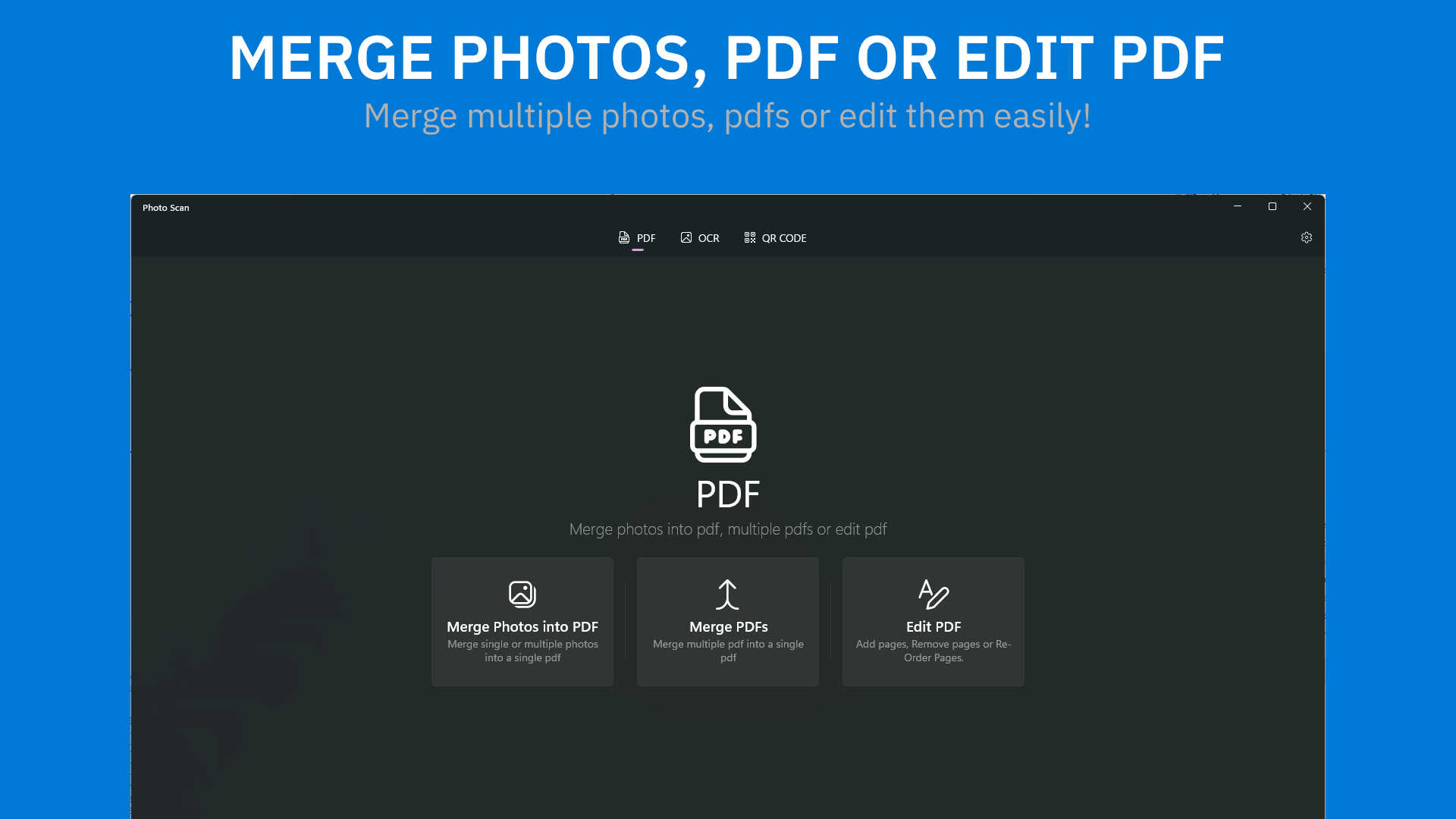
“Surprisingly accurate”
“Easy to use”
“Good, I would recommend it to you”
“I LOVE THIS APP A LOT!!!”
Manage PDF, OCR and QR Code.
Photo Scan for Windows
Key Features
Merge Photos into PDF
Combine single or multiple photos into a single PDF document.
Merge multiple PDFS into a PDF
Combine single or multiple PDFs into a single PDF document.
Extract Text from Photos
Get text from your photos and images.
Fully Offline
Runs locally on your device without requiring an internet connection.
Generate and Scan QR Codes
Easily generate and scan QR codes directly from the app.
Better Privacy Protection
No data leaves your device. Your documents, files, and images remain private.
Frequently Asked Questions
Learn more about offline OCR, PDF merging, and privacy in Photo Scan.
What Users Say
Walt
Surprisingly accurate
"Had a photo (JPG) of a medical document and used the app. Worked well. I plan on using this instead of typing in long documents for medical records on my system. One thing about the speech (this is true of any of these types of apps) when there are words that are crammed together the speech is also jammed together. Not a real problem. Also nice to be about to edit out info on the document don't want or need."
EMMANUEL & CRISTINA
Easy to use
"Very easy to use and works like magic. Very fast even the free version."
Younus
Good, I would recommend it to you
"I would recommend this software to use, it saves a lot of time and its fairly accurate. Its a good software to use if you do a lot of documents which is just a screenshot"
Andrew
I LOVE THIS APP A LOT!!!
"BEST AND PERFECT!!! I LOVE AND RATE IT MORE! More than 5 stars in fact! I can paste images into OCR without having to save them to disk."
...and so many more
Try Photo Scan
Extract text from images (OCR), merge/edit PDFs, and generate QR codes 100% locally.
More Apps from Define Studio
Discover more powerful, lightweight tools built for modern platforms.

Leap Share→
Lightning-fast, offline wireless file transfer between iPhone, Android, and PC.

Melosik→
Beautiful offline music player with lyrics, Genius insights, and FLAC support.

Socialize Up→
Manage multiple X, Instagram, Reddit, and Facebook accounts in a single desktop app.

One Messenger→
All-in-one secure messenger with multi-account support and Windows Hello security.

Nextpad→
Fast, fluid Notepad replacement supporting Markdown preview, RTF, and plain text.

Flow Mail→
Manage multiple email inboxes in one sandboxed client with split-view multitasking.